What Is n8n? A Simple Explanation for Non-Technical People
If you’ve heard about n8n and thought, “This sounds technical and complicated,” you’re not alone. The good news is: n8n is not about coding — it’s about making work easier.


In this article, you’ll learn what n8n is, what it does, and why so many people and businesses use it — explained in simple, everyday language.
What n8n Is (In One Simple Sentence)
n8n is a tool that connects apps and automates tasks so you don’t have to do them manually.
That’s it.
No buzzwords needed.
Why Tools Like n8n Exist
Think about how much of your day looks like this:
checking emails
copying information from one place to another
sending the same replies again and again
updating spreadsheets
creating tasks after someone sends a message
This work is repetitive, boring, and easy to forget.
n8n exists to do this work automatically.
What Does “Automation” Mean Here?
Automation simply means:
“When something happens, the system reacts automatically.”
Example:
When someone fills out a form → send an email
When an email arrives → save the data
When a message is received → create a task
You set this up once, and it runs in the background forever.
Think of n8n Like a Digital Assistant
Imagine a quiet assistant who:
watches your emails
listens for new messages
checks forms and files
moves information where it belongs
That’s what n8n does — without breaks, without mistakes, and without complaints.
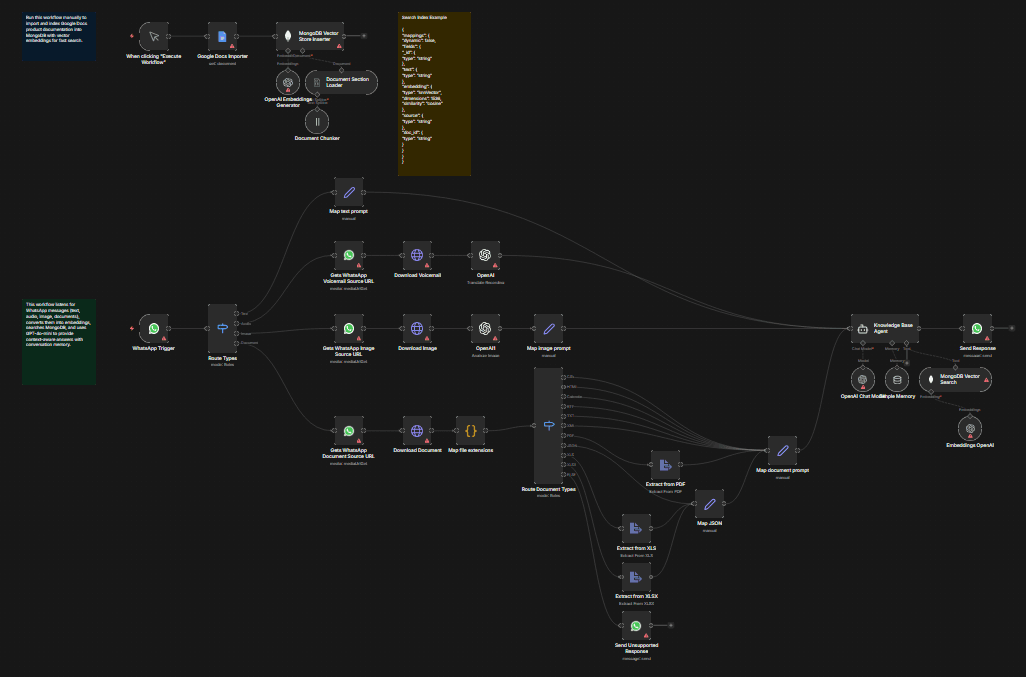
What Is a “Workflow” in n8n?
A workflow is just a list of steps.
Example workflow:
Someone fills out a contact form
The message is read automatically
Important information is extracted
A notification is sent
A task is created
You don’t repeat these steps anymore.
The workflow does it for you.
Do You Need Coding Skills to Use n8n?
No.
Most n8n workflows are built by:
clicking
choosing options
connecting blocks visually
You don’t need to know how programming works — just what you want to happen.
What Makes n8n Different from Other Automation Tools?
n8n is popular because:
you control your data
you can customize workflows deeply
it works well with AI tools
it’s flexible for both beginners and professionals
Many people start with simple automations and grow step by step.
What Can You Use n8n For? (Real Examples)
Here are practical examples anyone can understand:
automatically replying to customer inquiries
saving form submissions into spreadsheets
sorting and tagging emails
sending reminders automatically
connecting AI to emails, forms, or chats
These small automations save hours every week.
Who Is n8n For?
n8n is useful for:
small businesses
freelancers
online shops
service providers
anyone tired of repetitive digital work
You don’t need to be “technical.” You just need tasks you don’t want to do manually anymore.
Is n8n Hard to Set Up?
Getting started is easier than many people expect:
you install it
open it in a browser
start building workflows visually
Once the first workflow works, most people say:
“Oh… that’s actually simple.”
What n8n Is NOT
Let’s clear this up:
n8n is not:
a robot that thinks on its own
something that replaces humans
a magic one-click solution
It’s a tool.
You decide what it should do.
Why n8n Matters Today
Work is becoming more digital:
more tools
more messages
more data
Without automation, this creates stress and overload.
n8n helps by:
reducing manual work
preventing mistakes
saving time
making processes smoother
That’s why more people are discovering it.
Final Takeaway
n8n is not about technology.
It’s about:
doing less boring work
staying organized
letting systems handle routine tasks
Once you understand n8n, you start seeing automation opportunities everywhere.
And once you start using it, it’s hard to imagine working without it.